Direct answer: This practical guide explains how an AI lead generation workflow should operate from first touch to qualified handoff, who should use it (B2B marketing, sales operations, revenue ops and product teams), and the concrete steps to make it reliable, auditable and production-ready. If you expect an LLM alone to fix lead quality, this guide explains what to build instead.
At a glance, a production-ready AI Lead Generation Workflow: From First Touch to Qualified Handoff must capture context and consent, validate and deduplicate identity, enrich selectively, score fit/engagement/urgency, route by explicit business rules, trigger the correct follow-up path, and write structured evidence back to the CRM so humans can trust and audit decisions.
Summary: workflow at a glance
- Capture event + preserve raw payload and consent metadata.
- Deterministic normalization and validation before any model call.
- Layered identity resolution and idempotency to prevent duplicates.
- Selective enrichment with source, freshness and confidence.
- Separate fit, engagement and urgency scoring (rules + AI evidence extraction).
- Deterministic routing with capacity and ownership fallbacks.
- Appropriate response path (immediate confirmation, nurture, review, sales-assisted).
- Structured CRM writeback with timestamps, versions and evidence.
Step 1 — First touch: capture and initial enrichment
Capture more than contact fields. Preserve:
- source and campaign identifiers;
- landing page or content context;
- raw submission payload and form version;
- timestamp, time zone and channel;
- consent language shown and opt-in state;
- referral or partner metadata.
Store the raw event separately from mapped CRM fields so you can reconstruct submissions during debugging or disputes. Collect only what the prospect reasonably expects to provide and what the business needs for immediate qualification.
Step 2 — Scoring and qualification with AI
Normalize and validate first: canonicalize phone numbers, check email syntax, map countries to controlled lists and reject obvious test values. Use deterministic logic where possible and reserve AI for interpreting unstructured inputs.
Score on three dimensions, not one number:
- Fit — company profile, region, industry, use-case fit.
- Engagement — explicit demo requests, product usage, repeat visits.
- Urgency — stated timeline, renewals, active incidents.
Use AI to extract evidence from free text (use-case tags, timeline phrases, scale signals) and return a constrained schema with confidence scores. If required fields are missing or confidence is low, send to a human review queue.
Step 3 — Nurture, routing and human oversight
Routing must follow a transparent decision table with deterministic ownership rules first (existing account owner, named-account owner, partner agreements), then product or region specialists, and finally capacity-aware round-robin or an operations queue. AI may recommend categories or language, but it should not silently override ownership rules.
Define a small set of response paths:
- Immediate confirmation + calendar link for high-intent demo requests.
- Sales-assisted draft prepared by AI and approved by the owner.
- Permission-based nurture sequence for low-intent content downloads.
- Polite disqualification with recorded reason when appropriate.
- Human review pathway for ambiguous or high-risk cases.
Step 4 — Qualified handoff to sales/CRM
Write structured attributes back to the CRM in dedicated fields, not buried in a notes blob. Include:
- fit, engagement and urgency values and evidence;
- routing rule applied and assigned owner;
- follow-up path and message IDs;
- automation and prompt/version used;
- timestamps and error/review status;
- final outcome (meeting booked, opportunity created, rejected).
Feed outcomes back into scoring so rules are optimized against accepted opportunities, not just volume.
Practical example: a sample end-to-end workflow
Scenario: a finance ops director at a 300-person company requests a demo for invoice processing and states “we handle 12,000 invoices/month — need a response this week.” The workflow:
- Store the form event with campaign, consent and raw payload.
- Validate and normalize email and phone, check idempotency key.
- Match company domain to an existing owned account (ownership wins).
- Enrichment confirms company size but preserves the submitted job title.
- AI extracts use case = document processing, volume = 12,000, timeline = “this week”.
- Rules rate it high on engagement, strong fit and high urgency.
- Assigned rep receives a CRM task with evidence and suggested discovery questions.
- Prospect gets a factual confirmation and a calendar link; no fabricated personalization.
- Meeting booked updates attribution and stops nurture messages.
Account matching early in the flow prevents ownership disputes that AI classification alone might introduce.
Architecture and implementation options (API, integrations, deployment)
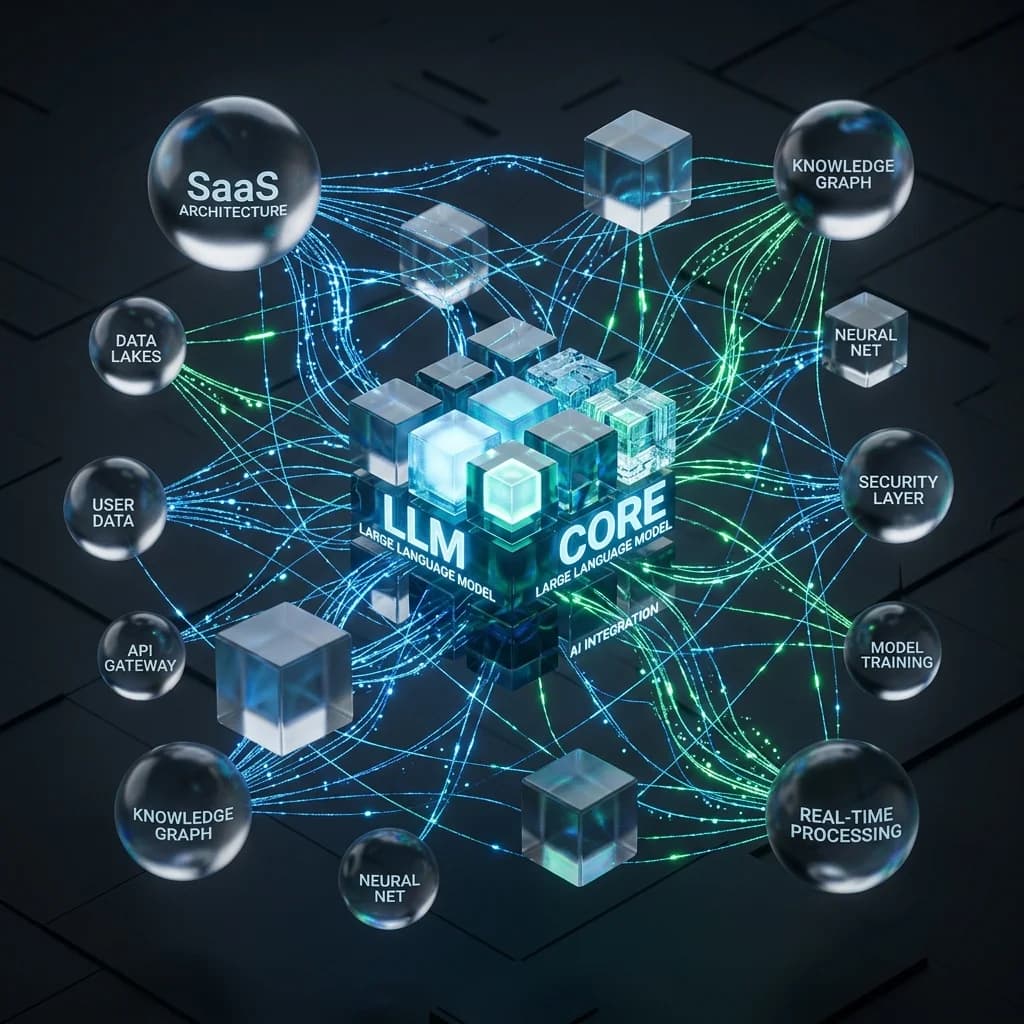
Common architecture layers: channels (forms/chat/product), orchestration (automation platform or custom workers), intelligence (LLMs, enrichment APIs), system of record (CRM), engagement (email/SMS/calendar) and observability (logs, metrics, warehouse).
Implementation notes:
- Use webhooks with idempotency keys derived from source event IDs to prevent duplicate processing.
- Prefer queues between capture and downstream processing for burst protection and retries.
- Validate model outputs against a strict JSON schema and fail to review on low confidence.
- Keep prompt and model versions in the record for reproducibility.
- Respect rate limits with exponential backoff and dead-letter queues for unrecoverable errors.
- Restrict workflow credentials with least privilege and audit all changes to routing rules and prompts.
- Decide batch vs real-time: low latency for demo requests, batch enrichment for non-urgent lists.
Checklist: what to validate before production
- [ ] every lead source is documented and approved;
- [ ] consent and attribution evidence are preserved;
- [ ] idempotency prevents duplicate contacts and messages;
- [ ] identity matching has a manual review path for ambiguity;
- [ ] enrichment fields include source and freshness metadata;
- [ ] fit, engagement and urgency are evaluated separately;
- [ ] AI outputs follow a validated schema and versioning is logged;
- [ ] routing respects named-account ownership and capacity signals;
- [ ] external messages use only verified facts;
- [ ] opt-outs and suppression lists are checked before every outbound action;
- [ ] failures enter a monitored dead-letter queue and an owner is assigned;
- [ ] the team has a documented owner for ongoing maintenance.
Security, data privacy, and audit trail considerations
Protect data in transit and at rest with encryption and limit access by role. Log every decision with evidence and timestamps so models and rules are auditable. Do not write inferred values into trusted fields without a clear provenance label. Synchronize suppression states across systems immediately before any outbound message to avoid regulatory and reputational risk. For vendor review and access control practices, refer to an internal automation security checklist and consult legal counsel for region-specific requirements.
Risks, limitations and when not to use AI
AI excels at extracting evidence from unstructured text but is weaker at guaranteed identity resolution, ownership decisions and compliance judgments. Avoid deploying AI where a wrong decision can silently exclude a strategic account, or where data lacks permitted use. Common risks include:
- silent merging of CRM records by fuzzy matches;
- AI-written facts entering trusted reporting fields;
- automated outreach before opt-out synchronization;
- optimizing for volume instead of accepted opportunities.
When lead volume is low, or qualification is purely structured, simpler rules and manual review are often better than premature AI integration.
When to use human-in-the-loop vs fully automated handoff
- Human-in-the-loop: ambiguous identity matches, high-value strategic accounts, low-confidence AI outputs, sensitive legal queries.
- Fully automated: high-confidence demo requests from known sources, transactional confirmations, low-risk nurture sequences.
Start with human review for edge cases and expand automation as agreement rates and evidence quality improve.
Monitoring, evaluation and continuous improvement
Measure both flow quality and commercial outcomes:
- duplicate creation rate, workflow success rate, dead-letter volume;
- sales acceptance by tier, false-positive/false-negative review rates;
- speed to first meaningful response, meeting-booking rate, qualified lead-to-opportunity conversion.
Adjust thresholds based on accepted opportunities and conversion, not raw lead counts.
When to engage a vendor or consultant
Consider external help if you need an architecture review, production-grade integrations, or assistance turning ambiguous model outputs into auditable decisions. Wizora Studio offers tailored support from strategy to implementation — see our AI consulting & strategy and lead generation automation services. For a practical architecture review of your stack and failure points, view our work examples at Wizora Studio work or contact us for a free audit.
Common mistakes and how to avoid them
- Buying data before defining routing and consent — define the workflow first.
- Allowing AI to write authoritative CRM fields — write inferred values to labeled fields with evidence.
- Using a single score for diverse markets — maintain per-market or per-product variants.
- Automating outreach without synchronized opt-out states — check suppression before every send.
- No owner for failures — assign operational ownership for alerts and rule updates.
Frequently asked questions
What is an AI lead generation workflow?
An automated sequence that captures lead data, validates and enriches it, extracts evidence from unstructured inputs using AI, applies deterministic rules for routing and follow-up, and records structured evidence and outcomes in the CRM.
How do you prevent duplicate leads?
Use source event idempotency, normalized identifiers, layered matching rules and manual review for probabilistic matches. Never merge records automatically on fuzzy evidence.
Which platforms work best?
Choose the tool that matches your needs: CRM-native automation for lifecycle visibility, n8n for custom self-hosted workflows, Make.com for managed visual orchestration, and Zapier for simple SaaS flows. High-volume or mission-critical paths often require a hybrid architecture with a small custom service.
The best AI Lead Generation Workflow: From First Touch to Qualified Handoff gives the right person verifiable context, preserves auditability and scales decisions without surprising sales. Start small, automate orchestration first, add AI for bounded extraction, and expand based on accepted pipeline improvements.
Explore Wizora Studio’s AI automation services at AI Automation and request a practical review via Contact. See examples of our implementations at Work.
Author: Wizora Studio • Last updated: 2026-08-26