Short answer: An ai receptionist is a voice-enabled system that answers inbound calls, understands natural-language requests, and completes defined front-desk tasks (bookings, routing, basic FAQs, CRM updates) while escalating exceptions to humans. This guide is for product managers, operations leads, and engineering teams planning a production-ready deployment of an ai receptionist.
By Wizora Studio · Updated 26 Aug 2026
The short answer and who should read this
An ai receptionist automates routine phone work: it answers calls, captures intent and context, executes approved actions (check availability, book or reschedule appointments, log tickets, route calls), and hands complex or sensitive cases to people. Read this if you’re choosing between IVR, an answering service, or an automated voice agent; if you need a deployment checklist; or if you want architecture and security guidance for production use.
How an ai receptionist works — core components and architecture
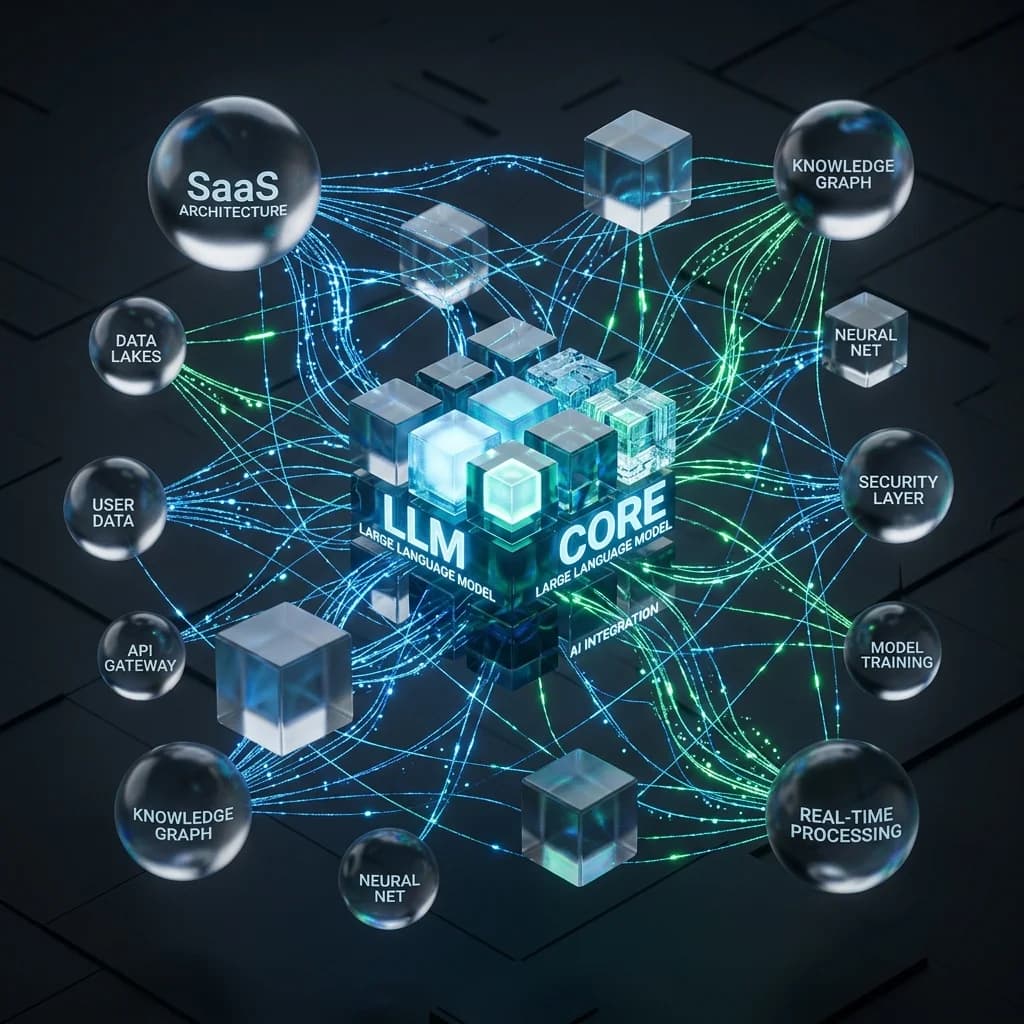
A production-ready ai receptionist is more than a speech demo. Architecturally it combines:
- telephony (numbers, SIP or provider APIs) and webhook/callback handling;
- real-time audio streaming and speech recognition (or speech models);
- intent and slot extraction, stateful conversation logic, and policy rules;
- narrow tool integrations: calendar, CRM, ticketing, messaging, and transfer APIs;
- text-to-speech or streaming voice output and barge-in handling;
- detailed call-state, logging, monitoring, and durable workflows for recovery.
Design principles: keep sensitive credentials and authorization server-side (not in model prompts), expose narrow read/write tools for business actions, and persist call state so an interrupted or duplicated telephony event cannot cause duplicate bookings or irreversible actions.
Typical ai receptionist workflow and example scenarios
High-level call flow:
- incoming call → telephony provider delivers event and media stream;
- audio → transcription (streaming) → incremental intent updates;
- workflow chooses a bounded intent and checks authoritative systems;
- tools perform safe actions (offer slots, place holds, create tickets);
- voice output confirms decisions; caller explicitly confirms critical changes;
- on completion, create idempotent records, send written confirmation, and log outcome.
Example: appointment booking — the agent identifies service and constraints, queries the calendar for a small set of valid slots, places a temporary hold where supported, verifies caller identity per policy, asks for explicit confirmation, writes the appointment idempotently, reads back the confirmed booking, and sends an SMS/email confirmation.
Practical example: property-management walkthrough
A property-management ai receptionist should:
- identify the inbound number and caller context to narrow intents;
- trigger an immediate emergency escalation for language like “gas leak” or “active flooding” with a fixed script and human route;
- separate call classes (viewings, maintenance, payments) and apply different data and permission gates;
- collect minimal useful evidence (property, area, issue, access constraints) and offer SMS upload for photos;
- check the authoritative scheduling or work-order system rather than inferring from past notes;
- create idempotent cases tied to call IDs to prevent duplicates;
- transfer with context so staff receive caller verification, summary, evidence, and urgency;
- fail safely: if transfer or tool call fails, create a prioritized callback and confirm next steps to the caller.
Benefits of using an ai receptionist
- 24/7 handling for routine calls and reduced voicemail backlog;
- consistent policy-driven responses and fewer missed handoffs;
- direct system automation: bookings, CRM updates, ticketing without manual re-entry;
- scalable routing and language handling for repeated intents;
- measurable outcomes (booked appointment, completed ticket, successful transfer) to compare vs alternatives.
Limitations and common failure modes
An ai receptionist is not a drop-in replacement for all reception duties. Typical limits and failure modes:
- misunderstanding or inventing availability when not connected to live calendars;
- exposing the wrong account when caller ID is treated as authentication;
- failing transfers if destination queues are unavailable or staff unknown;
- latency spikes that cause callers to talk over the agent or hang up;
- sensitive disclosures, complex complaints, or in-person coordination requiring humans.
Mitigation: start with bounded intents, require explicit confirmations for high-impact actions, and always provide a clear human handoff path.
Security, privacy, and compliance considerations
- verify telephony webhooks and implement deduplication for asynchronous events;
- keep API keys and secrets out of prompts and enforce least-privilege access for tools;
- apply server-side authorization and require human approval for high-impact operations;
- design recording, transcription, and retention policies per jurisdiction and call type; do not record by default without purpose and consent;
- redact and restrict access to observability traces and model logs to avoid a second sensitive dataset.
Deployment checklist: timeline, cost factors, and readiness
Checklist for a safe, production deployment:
- analyse ≥50 representative calls and classify intents, sensitive data, and failure cost;
- select 2–3 bounded call types for the first release (high volume, low judgment);
- map authoritative systems (calendars, CRM, ticketing) and define tool APIs and idempotency rules;
- design identity verification and policy gates for booking/rescheduling/cancellation;
- implement monitoring: median, p95, p99 latencies, call outcomes, wrong-record and duplicate rates;
- define fallbacks: static IVR, voicemail, or human route when AI is unavailable;
- run an internal pilot, test noisy audio, accents, barge-in, and provider outages;
- launch limited traffic, review samples, iterate, then expand by evidence.
Cost factors to budget: phone numbers and minutes, telephony streaming, speech and model usage, platform/runtime fees, integrations, recording/storage, implementation and testing, and ongoing monitoring and human exception handling. Compare on cost per successful outcome (booked appointment, resolved status, accepted transfer) rather than minutes alone.
Best practices for implementation and human oversight
- design conversational flows that extract context rather than forcing form-like Q&A;
- confirm consequential values (dates, times, emails, amounts) explicitly;
- show ambiguity rather than guessing: present multiple matches and ask the caller to confirm;
- measure outcomes that matter (task completion, transfer success, rework) and review actual call samples;
- limit the model’s authority with narrow tools and human approval gates for high-risk actions;
- provide a clear, accessible human option at every stage;
- monitor and alert on provider or model failures and have a static fallback route configured.
When to choose an ai receptionist vs IVR or live answering
- IVR: choose when options are stable and callers know exact digits (fast, predictable routes).
- Human answering service: choose when calls need empathy, complex judgment, or very low volume with high variability.
- ai receptionist: choose when you have repeated natural-language queries that map to clear, automatable outcomes and you can connect to authoritative systems.
- Hybrid is common: AI handles routine intents; humans handle exceptions and sensitive topics.
Implementation partners and next steps
For production deployments, work with an implementation partner that understands telephony operations, secure integration patterns, and conversational design. Wizora Studio designs ai receptionist and voice-agent workflows that connect calls to calendars, CRM, support systems, messages, and human teams. Start with a free audit of representative calls and operational constraints to map a safe pilot — contact us to request a free audit. See examples of our work on the portfolio page: Wizora Studio work, and learn about our automation services at AI automation.
Frequently asked questions
What is an ai receptionist?
A voice agent that answers calls, understands intent, provides approved information, performs bounded tasks (bookings, updates), and transfers to people when necessary.
How does an ai receptionist work?
Telephony connects the call, streaming speech recognition or a speech model creates transcripts, a conversation layer interprets intent and calls narrow business tools, and text-to-speech returns voice. Server-side rules and human handoff control sensitive outcomes.
How much does an ai receptionist cost?
Costs vary by call volume/duration, telephony and streaming fees, model usage, integration complexity, recording/storage, and operational support. Evaluate cost per correct outcome rather than per-minute prices.
Is an ai receptionist secure?
Yes, when designed with verified webhooks, least-privilege tool access, server-side authorization, identity checks, limited retention, and approval gates for high-impact actions.
How to deploy an ai receptionist?
Start with call analysis, pick bounded intents, connect authoritative systems, design identity and failure gates, pilot with limited traffic, measure outcome metrics, and expand by evidence.
References
- Twilio - Voice Webhooks; Call Resource and Status Events; Webhook Validation
- Google Cloud - Streaming Speech Recognition
- HubSpot - CRM APIs
- NIST - AI Risk Management Framework Playbook
- OWASP - GenAI Security Project
Editorial note: the property-management scenario is a composite example and does not claim client results. Obtain jurisdiction-specific advice for call recording, consent, privacy, emergency routing, and regulated use cases.