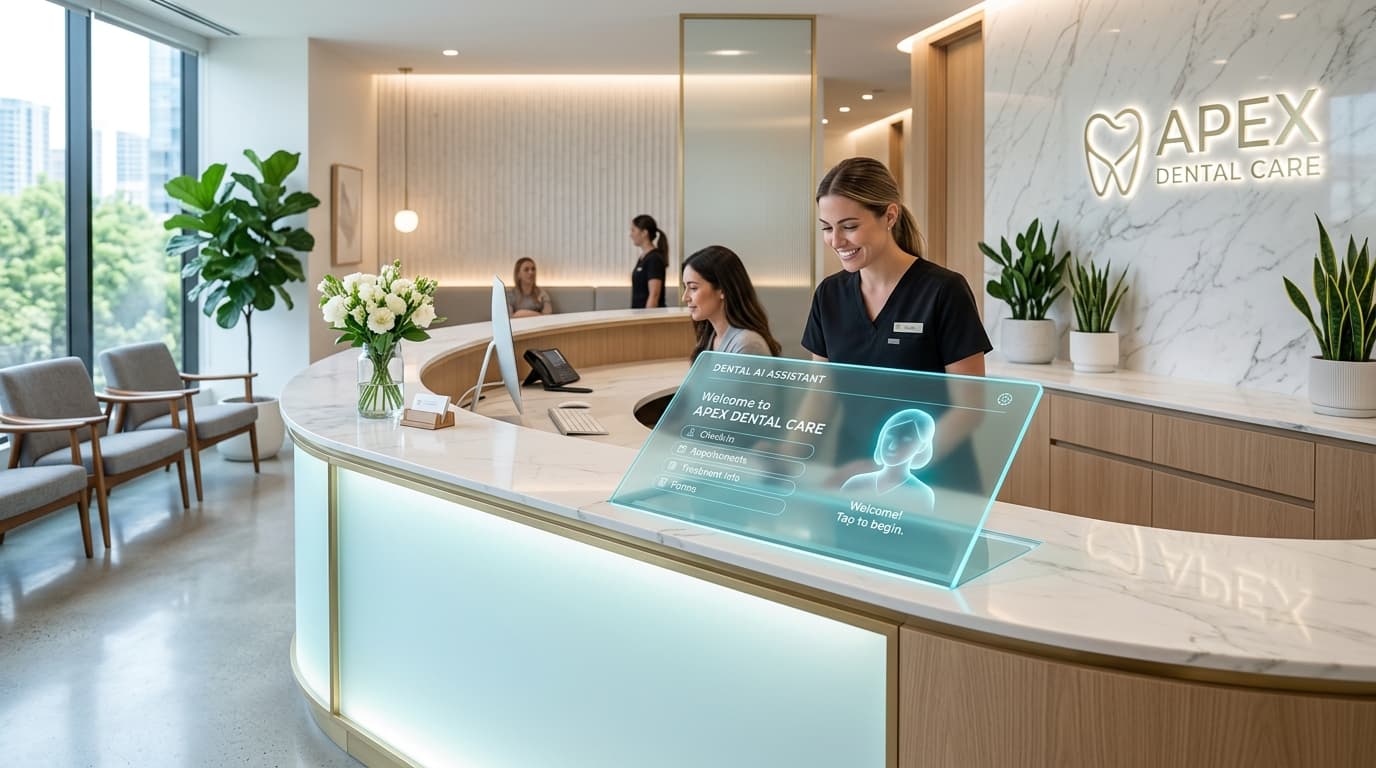
AI Receptionist for Dental Clinics: Uses & Limits — Quick answer
Answer: An AI receptionist for dental clinics automates repetitive front-desk tasks—FAQ responses, appointment booking, missed-call recovery, recalls—and escalates cases that require human judgment. This article is for practice owners, office managers, IT leads, and vendors evaluating or implementing an AI receptionist who must balance automation gains with HIPAA-safe handling and clear human handoff.
By: Wizora Studio team — Updated: 2026-08-26
How AI receptionists work in dental clinics (workflow & architecture)
At a high level, a dental AI receptionist combines telephony/voice, chat, and backend integrations with a knowledge base and business rules engine. The core architecture looks like this:
- Front end: Phone IVR or voice assistant, SMS, web chat, and secure patient portal messaging.
- Conversational layer: NLU models and scripted dialog flows that map intent to actions (FAQ answers, booking requests, recalls).
- Knowledge base: Frequently updated clinic policies, insurance info, and treatment-level FAQs — often implemented as a retrieval-augmented generation (RAG) system for consistent answers.
- Integration layer: API links to practice management systems (PMS) such as Dentrix, Eaglesoft, or Open Dental to read/write appointments, eligibility, and reminders.
- Business logic & handoff: Rules that trigger verification, require consent, or escalate to a human receptionist or clinician when safety or complexity thresholds are met.
- Security & audit: Encrypted transport, access logging, and Business Associate Agreement (BAA) controls for any vendor handling protected health information.
Example workflow: missed call → rebooking
- Patient calls after hours and leaves a voicemail; the system captures caller ID and intent via voice transcription.
- AI sends an instant SMS asking whether the patient wants an appointment, callback, or urgent care instructions.
- If the patient requests booking, the AI checks availability in the PMS, suggests open slots, and places a tentative hold after patient confirmation.
- AI sends appointment confirmation with secure reminders and prompts for pre-visit forms; complex requests (insurance verification exceptions, clinical symptoms) flag a human follow-up.
Practical uses and examples in a dental clinic
- 24/7 FAQ Responses: Automate routine questions about accepted insurance, directions, hours, parking, and payment options.
- PMS Appointment Booking & Rescheduling: Two-way calendar sync with Dentrix, Eaglesoft, or Open Dental to book, confirm, or cancel slots.
- Missed Call Recovery: Immediate SMS/email follow-up and automated callback scheduling to reduce lost leads.
- Hygiene Recall & Reactivation: Automated campaigns for patients overdue for prophylaxis or recall exams with personalized messaging.
- Pre-visit Intake & Forms: Secure collection of consent forms and basic medical history via encrypted links or portal messaging.
- First-triage for symptomatic callers: Basic triage scripts that escalate any suspected emergencies to a clinician or instruct patients to seek immediate care.
Implementation checklist & best practices
Use this checklist to evaluate readiness and scope before selecting a vendor or building in-house:
- Define success metrics (reduction in missed calls, booking conversion, front-desk hours saved).
- Map every user journey: booking, cancelation, insurance questions, emergency escalation.
- Identify required PMS and telephony integrations; gather API docs and test accounts.
- Design handoff triggers: what intents always escalate to staff vs. handled autonomously.
- Prepare content: canonical FAQ answers, scripts for triage, consent language, and SMS templates.
- Clarify data residency, logging, and retention policies to meet compliance requirements.
- Plan pilot with a limited patient subset, monitor error rates, and refine conversational flows.
- Train front-desk staff on new workflows and escalation procedures to ensure smooth human-AI collaboration.
Limitations, risks & security (HIPAA & data privacy)
AI receptionists can reduce administrative work, but they have clear limits and risks that must be managed:
- Scope limits: AI cannot diagnose, recommend treatment plans, or make clinical decisions. Any medical-sounding advice must be routed to a clinician.
- Safety failures: Misinterpretation of symptom descriptions can lead to under-escalation; conservative handoff rules are safer than permissive automation.
- PHI handling: Vendors processing PHI must sign a Business Associate Agreement (BAA). Data in transit should use TLS 1.3 and data at rest should be encrypted (AES-256 or equivalent).
- Access controls & auditing: Enforce least privilege, multi-factor authentication for staff, and maintain immutable logs for any PHI accesses and handoffs.
- Patient consent & transparency: Inform patients when they’re interacting with AI, what data is collected, and provide opt-out paths for human-only contact.
- Model hallucinations: Relying solely on generative models for clinical or billing answers risks incorrect statements. Use retrieval-based answers from curated clinic content and templates where accuracy matters.
What AI must never do: diagnose conditions, recommend treatments, promise clinical outcomes, make emergency clinical judgments, or handle complex eligibility disputes without human review.
Cost, timeline, and service options
Costs and timelines vary with scope. Key cost drivers include telephony volume, number of integrations (PMS, SMS gateway, EHR), customization, and ongoing support and monitoring. Typical commercial options are:
- SaaS platforms: Faster to deploy with standard features and prebuilt integrations; lower upfront customization but limited to provided flows.
- Custom implementations: Full integration and workflow tailoring, useful for group practices or clinics with complex processes; requires vendor development and QA.
- Hybrid models: Use a SaaS core with custom connectors for unique PMS or billing needs.
When choosing a partner, evaluate their experience with healthcare automation, ability to sign a BAA, and track record integrating with your PMS. If you want strategy and architecture support, consider an AI consulting partner for planning and governance. See our AI receptionist service page for details: AI Receptionist service. For broader program design, explore our AI automation strategy offerings: AI consulting & strategy.
When and how to apply human oversight
Human oversight is not optional for dental clinics. Use these rules of thumb:
- Escalate any mention of “severe pain,” “bleeding,” trauma, or systemic symptoms to a clinician or instruct immediate emergency care.
- Require human review for insurance exceptions, prior authorization needs, and complex billing disputes.
- Set confidence thresholds: if the AI’s intent confidence is below a predefined level, route to staff.
- Implement a clear audit trail and regular review sessions where staff examine edge-case transcripts and adjust scripts.
Production-ready considerations: integrations & architecture
- Use a RAG-based knowledge base for clinic FAQs to reduce hallucinations and keep answers aligned with current policies (RAG knowledge base).
- Secure telephony via vetted SIP providers and maintain opt-in for SMS reminders.
- Plan for model fine-tuning on clinic-specific phrasing and local terminology; consult model fine-tuning specialists where needed (Model fine-tuning).
- Automate document processing (consents, referrals) using OCR where appropriate (Document processing & OCR).
- Build robust API error handling between AI and PMS systems to avoid double-bookings and ensure idempotent operations.
FAQs
- How does an AI receptionist protect patient data? By using end-to-end encryption, limiting PHI exposure, signing a BAA, enforcing access controls, and retaining logs to support audits.
- Can the AI handle insurance verification? It can automate common checks and surface eligibility summaries, but complex verifications and exceptions should be reviewed by staff.
- Will patients accept AI for scheduling? Many patients prefer the convenience of 24/7 booking and SMS confirmations; always provide an easy option to reach a human—transparency improves trust.
- What happens when the AI fails? Design system fallbacks: notify staff, provide clear escalation instructions to the caller, and capture data for retraining flows.
- Who should lead an implementation? A cross-functional team: practice manager, IT lead, compliance/officer, and a vendor or implementation partner with healthcare experience.
Next steps & how Wizora can help
If you want a tailored evaluation of how an AI receptionist fits your clinic, we offer architecture reviews, pilot design, and integration planning. See a recent project example in our portfolio for related automation work: Wizora work. When you’re ready to discuss requirements or request an audit, contact us: Contact.
For additional AI automation services that commonly accompany receptionist projects—appointment booking, CRM automation, and customer support—see our related offerings: appointment booking automation, CRM automation, and AI customer support agent.
Evidence qualifier: This article summarizes proven patterns and recommended safeguards for deploying AI receptionists in healthcare-adjacent settings. Exact configurations vary by practice, PMS, and regulatory environment; consult legal and compliance advisors before deployment.